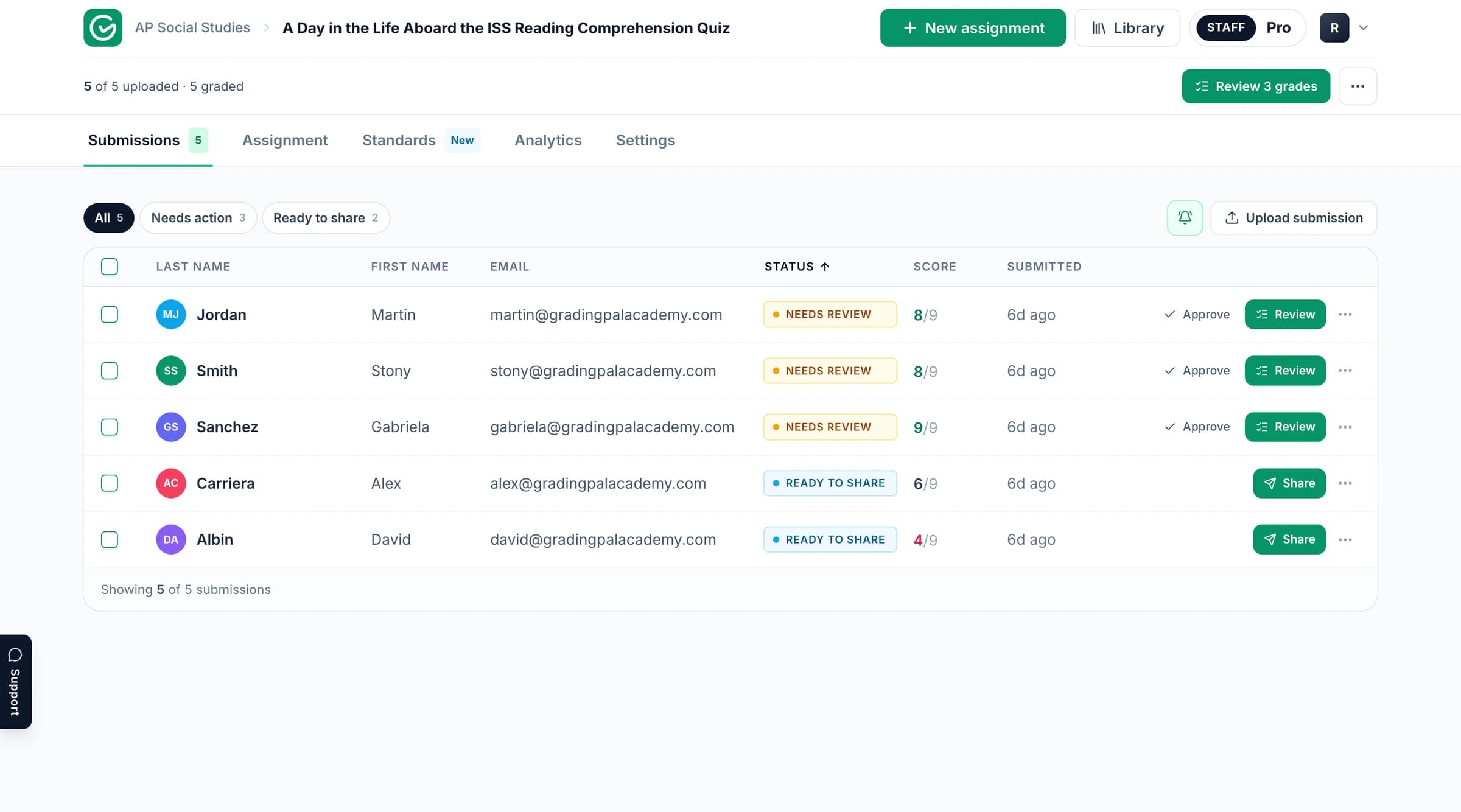
The GradingPal workspace. Product context; the published example and its media follow below.
Read the assignment and assessment example
Explore the original task and supporting material below. Follow the connection between the student’s response, the criteria being assessed, and the resulting assessment. The example provides its own context and evidence.
GradingPal is an AI grading assistant for teachers: upload student work and a rubric, and it drafts scores and specific, evidence-based feedback for you to review, edit, and release. In this use case, we'll follow a hand-drawn pigeon genetics worksheet, where the right answer isn't a sentence or a number, it's a correctly colored bird.
The problem
Genetics worksheets that ask students to translate a genotype into a drawing are genuinely hard to grade at a glance. The final answer isn't a number to check against a key, it's a hand-drawn bird, and a wrong drawing can come from several different places: misreading the genotype, applying the right phenotype but drawing it inaccurately, or getting the phenotype right while forgetting that one trait masks another entirely. Two students can both draw the wrong bird for completely different reasons, and a quick grading pass tends to treat them the same.
Masking rules make it worse. A student can nail every individual rule in isolation, correctly read a heterozygous genotype here, correctly apply a masking rule there, and still produce a wrong final drawing because they didn't coordinate all the rules together. That's a different, more advanced skill than knowing any single rule, and it's easy for a fast grading pass to miss which piece actually broke.
This is where GradingPal helps. It grades to your answer key and rubric, reads the diagram and the drawing together, and can tell the difference between a misread genotype, an inaccurate drawing of the right phenotype, and a forgotten masking rule.
The assignment
The assignment: the pigeon genetics worksheet
Assignment
In this high school genetics task, students are given an F1 pigeon chromosome showing genotypes across five traits, Crest, Wing Pattern, Foot Feathering, Spread, and Recessive Red, along with a traits key that maps each genotype to its resulting phenotype. Students read each genotype, work out the correct phenotype using the key, and then draw the resulting bird on a blank pigeon outline, all five traits at once.
The catch is that some traits mask others. Recessive red overrides every other color, and spread masks the wing pattern entirely, so getting one trait right in isolation isn't enough; the final drawing has to reflect the correct hierarchy across all five. It's a diagram-to-diagram task from start to finish, no writing required, which is exactly what makes it hard to grade quickly and fairly.
The rubric
The five-trait rubric inside GradingPal
Rubric part 1
Rubric part 2
Rubric part 3
1 / 3
The teacher applies five parallel rubrics, one per trait, each worth 20 points on an Incorrect, Partial Credit, or Correct scale, for 100 points total. What makes each one distinct is that Partial Credit isn't a vague middle ground; it's built around the specific ways students actually get each trait wrong. For Crest, partial credit covers correctly identifying no crest but drawing one anyway, or misreading the genotype and drawing a crest consistent with that wrong reading. For Recessive Red, it covers correctly identifying the phenotype but forgetting to mask the other colors in the drawing.
That's a rubric built around a genetics teacher's own sense of exactly how a confused student typically gets each trait wrong, and it's still your answer key and your rubric, applied the same way across every hand-drawn submission in the class.
The graded submissions
The teacher uploads a photo of the student's colored-pencil worksheet, and GradingPal reads the genotype diagram and the student's drawing side by side, checking each of the five traits against the answer key.
The graded submission: hand-drawn pigeon scored trait by trait
AI grading and feedback
Strengths and weaknesses
Rubric-based AI grading
1 / 3
One worksheet scores 70 out of 100: full marks on Crest and Spread, and partial credit on Wing Pattern, Foot Feathering, and Recessive Red. On Spread specifically, the feedback credits the student for correctly applying the masking rule, coloring the bird solid to hide the wing pattern entirely, which is exactly the integration skill the assignment is really testing.
Where it drops points, the feedback names the exact break in reasoning. On Recessive Red, it doesn't just say the color is wrong, it explains that the genotype calls for recessive red, which should override every other color, so the bird's blue coloring should have been red instead. On Wing Pattern, it walks through the dominance hierarchy directly, explaining that the given genotype calls for the T-check pattern, described as mostly dark with minimal light spots, and points out where the drawing missed that specific distinction from a similar but different pattern. That's the AI distinguishing a misapplied rule from a drawing error, which is exactly the kind of judgment call a rubric like this is built for.
The overall feedback opens by naming what's genuinely working, a clear logical connection between the genotypes and the traits drawn, then gives three specific next steps: practice telling homozygous and heterozygous genotypes apart, review the masking hierarchy so a dominant trait like recessive red always overrides the others, and look more closely at the key's exact wording to tell similar phenotypes apart. Every score and comment is editable before anything reaches the student.
Classwide analytics
The class dashboard: per-question difficulty and full-class results
AI-generated student performance analytics
Question-by-question analytics
Scores table
1 / 3
With all 20 students submitted, the class mean sits at 65 percent, and the AI-written summary correctly diagnoses the type of struggle, not a lack of knowledge. Students are more secure applying one rule at a time than coordinating several rules together into one accurate drawing, exactly the integration gap the individual worksheet showed.
A dedicated question-by-question view breaks down exactly which trait is failing class-wide. Spread, the masking rule most students actually got right, sits at 60 percent correct. Wing Pattern is the hardest item in the whole worksheet at just 5 percent correct, nearly every student missed the specific dominance-hierarchy distinction. Recessive Red sits at 15 percent, matching the exact masking error diagnosed in the individual example above. That's not a single average hiding the real problem; it's a heat map of exactly which rule needs reteaching.
Named Top Performer and Follow-Up shortlists surface the specific students at either end, so the teacher has real names to act on rather than only a percentage, and a full gradebook-style scores table tracks which submissions have been returned with feedback and which haven't.
The outcome
Here's what changes when a genetics problem set runs through GradingPal:
The teacher gets a hand-drawn diagram graded with the same rule-by-rule precision as a written answer key, and can see exactly which specific rule broke on every submission, not just whether the final drawing was right or wrong.
The student gets told exactly which rule to revisit: your logic was right here, but recessive red should have overridden the blue you drew. That's a fixable, specific note instead of a generic mark-down.
And the class gets a question-by-question heat map that shows exactly which genetic rule to reteach, wing pattern dominance and the recessive red hierarchy here, instead of one class average that hides where the real gap is.
That's the point of a task like this in the first place. We don't just want students to memorize individual genetics rules. We want them to apply several rules together, correctly and consistently, the way real genetic reasoning actually works. GradingPal makes it practical to check for that integration on every drawing, every trait, every time.
Review the scoring and feedback with your task in mind
Start with what the learner was asked to demonstrate. Check the submitted work alongside the rubric expectations and any scoring explanation included in the example. Consider whether the feedback identifies a specific strength or a next action the student can take.
When you grade your own work in GradingPal, review the proposed scores and supporting evidence before approving them. For a calculation, inspect methods and intermediate steps as well as the answer. For an explanation, examine the relationship between the claim, evidence, and reasoning. Your rubric determines what earns credit.
Take the assessment further in GradingPal
GradingPal combines rubric scoring with individual feedback, standards mastery, and classroom analytics. These are product capabilities to explore for your own teaching; the published example above demonstrates the material contained in its original record.
Shape the feedback students receive
Choose Targeted, Glow & Grow, Structured, Sandwich, Actionable, or Socratic feedback. Set detail, supported language, and instructions for your teaching voice, then review the comments before sharing. Explore student feedback.
Track progress beyond one assignment
Approved, aligned evidence can contribute to a standards mastery record across assessments. Inspect the original work, choose among five calculation methods, and use teacher adjustments with a reason. Explore standards mastery.
Plan the next teaching step
Classroom analytics surface strengths, weaknesses, and recommended instructional next steps. Use the evidence to consider targeted practice, small-group support, or a class explanation. Explore analytics.
Reuse criteria across your team
Copy and edit a starting point from the 500-rubric catalog, or bring your existing rubric. Shared assignment and rubric libraries on eligible plans help colleagues reuse assessment resources. Explore the rubric library.
Explore more assessment examples
Continue with related published examples below or browse the full collection. GradingPal supports writing, math, science, handwritten work, worksheets, exams, slides, and supported recordings; the grader pages explain the wider product range.
See how GradingPal prepares rubric scores, explains the credit with evidence, and writes individual feedback for review. Start with 50 submissions per month on the free plan and check pricing for feature and format access.