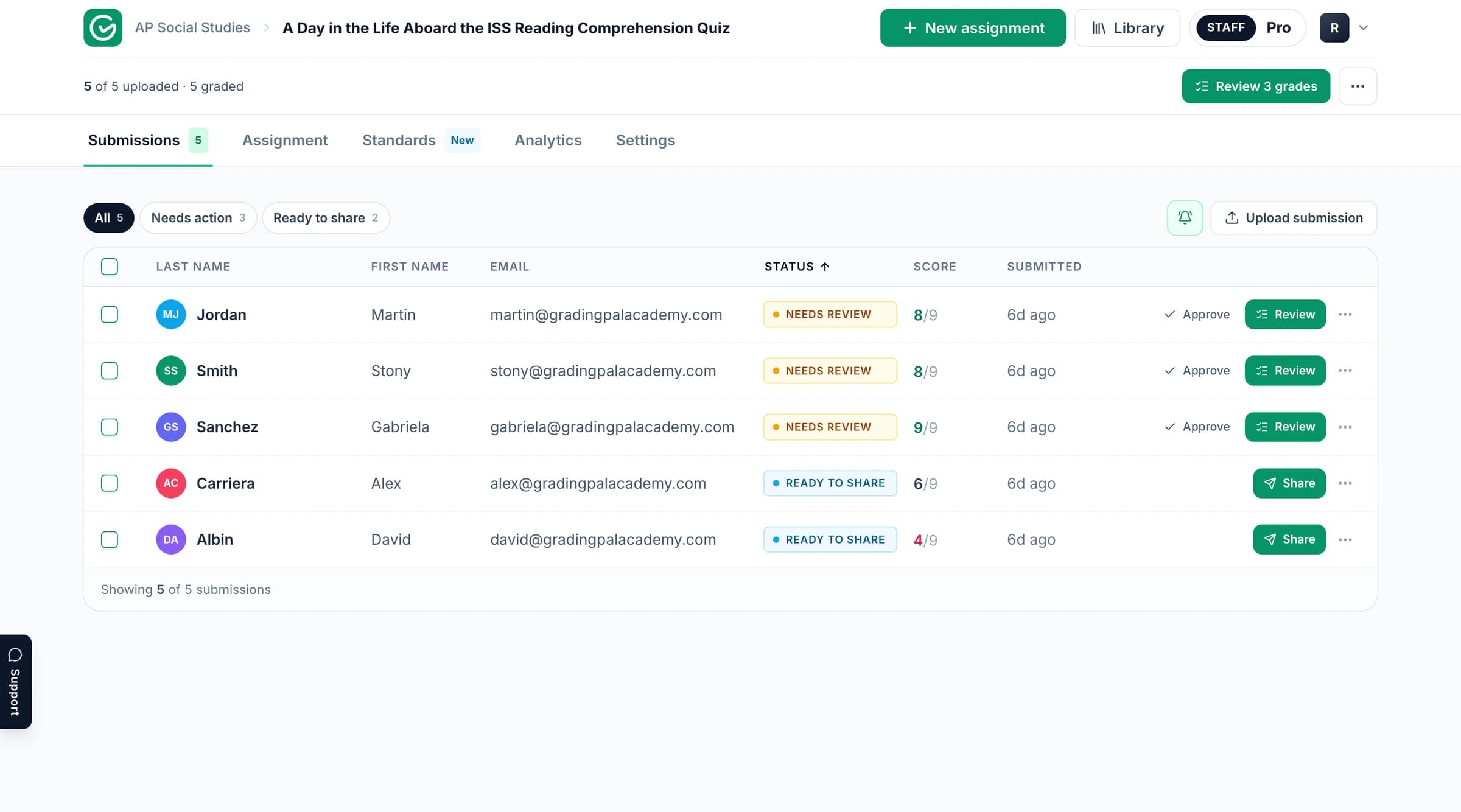
The GradingPal workspace. Product context; the published example and its media follow below.
Read the assignment and assessment example
Explore the original task and supporting material below. Follow the connection between the student’s response, the criteria being assessed, and the resulting assessment. The example provides its own context and evidence.
GradingPal is an AI grading assistant for teachers: upload student work and a rubric, and it drafts scores and specific, evidence-based feedback for you to review, edit, and release. In this use case, we'll follow a short, four-question polynomial division quiz, the kind of quick check a teacher gives mid-unit, graded with enough precision to reteach off of that same day.
The problem
A quick check for understanding is only useful if it comes back fast enough to act on. A four-question quiz can tell a teacher exactly which specific step is breaking down across the class, but only if it's graded with real precision, not just a quotient checked against a key, but whether students are stopping short of the final required step, or getting tripped up specifically when the math gets slightly less routine.
That level of detail usually isn't realistic to produce same-day, by hand, across a full class of handwritten quizzes. So the quiz either gets graded fast and shallow, right or wrong, or graded carefully and slowly, days after the moment it could have changed the next lesson.
This is where GradingPal helps. It reads the handwritten quiz, scores process and final answer separately on your rubric, and hands back a specific, same-day diagnosis instead of just a percentage.
The assignment
The assignment: a four-question polynomial division quiz
Math quiz
This quiz is deliberately short, four questions on a single page. The first two ask students to find the quotient of a cubic divided by a linear binomial. The last two raise the bar: divide, then write the answer in fully factored form, which means recognizing that the resulting quadratic quotient can itself be factored into two binomials, not stopping once the division is done.
That extra factoring step is a common place for students to stop early, which makes it exactly the kind of thing worth catching in a quick check rather than discovering on the unit test.
The rubric
The per-question rubric inside GradingPal
Math quiz rubric pt. 1
Math quiz rubric pt. 2
1 / 2
Each of the four questions gets its own rubric, worth 5 points, and each one still splits process from final answer. For the two quotient questions, the second criterion checks whether the final quotient and remainder are correct. For the two factoring questions, that second criterion is different by design, it specifically checks whether the student combined the divisor and quotient into a complete factored expression, not just the raw quotient. One rubric even uses a fractional point value, one and a half out of three, for finer-grained partial credit on the division process.
That's still your rubric, adapted to what each specific question actually demands, applied the same way across every quiz in the class.
The graded submissions
The teacher uploads the scanned quiz, and GradingPal reads each handwritten division and checks it against the matching rubric, question by question.
The graded quiz: process and final answer scored per question
AI grading and feedback
Strengths & weaknesses
Feedback for every question
1 / 3
One quiz scores 19 out of 20, with full marks across the first three questions. The feedback confirms the division work directly, the synthetic division setup and resulting coefficients are exactly right, and encourages the habit of boxing the final answer, then affirms the fourth question's fully factored form, writing out the complete product expression as the model of what full credit looks like.
On the one question that drops a point, the diagnosis is precise: the student found the correct quotient, then never finished the factoring step. The improvements note shows the student their own unfactored intermediate result right next to the fully factored version it should have become, turning the correction into a worked example rather than just a lost point. The overall feedback distills it into one clear next step: after dividing, always check whether the quotient still needs to be factored before writing the final answer.
Every score and comment is editable before anything reaches the student, quiz-fast or not.
Classwide analytics
The class dashboard: one quiz question flagged as the class-wide gap
Overall classroom score analysis
Strengths & weaknesses
Scores tablee
1 / 3
Across the class, the mean sits at 49 percent with a wide spread, some students clearly have the skill locked in and others don't yet. The AI-written summary names the pattern precisely: this class has a workable foundation with linear polynomial division, but the understanding is still procedural rather than fully connected. Students do well when the divisor fits a familiar routine, and struggle when they have to choose the right method, sustain long division against a quadratic divisor, or interpret what a quotient means well enough to finish factoring it.
The scores table makes the single biggest gap visible in seconds: one specific question, the one requiring long division against a quadratic divisor rather than a simple linear one, has by far the most scattered and lowest scores of the four. A separate, sizable group of students divide correctly and then stop before finishing the factoring step. That's two distinct, nameable problems, not one vague low average, and either one is small enough to reteach before the next class period starts.
The outcome
Here's what changes when a quick math quiz runs through GradingPal:
The teacher gets a same-day, question-level diagnosis instead of a percentage, with the exact question dragging down the class already identified before the next period starts.
The student gets told exactly what to remember next time: your division was correct, now always check whether the quotient still needs to be factored before you're done. A specific habit to fix, not just a lost point.
And the class gets a reteach decision that can happen the same day, because the diagnosis is ready before the bell for the next class rings.
That's the point of a quick check for understanding in the first place. We don't just want to know how many students got it right. We want to know exactly which step is breaking down, while there's still time to fix it before the unit test. GradingPal makes it practical to get that answer the same day, every quiz, every time.
Review the scoring and feedback with your task in mind
Start with what the learner was asked to demonstrate. Check the submitted work alongside the rubric expectations and any scoring explanation included in the example. Consider whether the feedback identifies a specific strength or a next action the student can take.
When you grade your own work in GradingPal, review the proposed scores and supporting evidence before approving them. For a calculation, inspect methods and intermediate steps as well as the answer. For an explanation, examine the relationship between the claim, evidence, and reasoning. Your rubric determines what earns credit.
Take the assessment further in GradingPal
GradingPal combines rubric scoring with individual feedback, standards mastery, and classroom analytics. These are product capabilities to explore for your own teaching; the published example above demonstrates the material contained in its original record.
Shape the feedback students receive
Choose Targeted, Glow & Grow, Structured, Sandwich, Actionable, or Socratic feedback. Set detail, supported language, and instructions for your teaching voice, then review the comments before sharing. Explore student feedback.
Track progress beyond one assignment
Approved, aligned evidence can contribute to a standards mastery record across assessments. Inspect the original work, choose among five calculation methods, and use teacher adjustments with a reason. Explore standards mastery.
Plan the next teaching step
Classroom analytics surface strengths, weaknesses, and recommended instructional next steps. Use the evidence to consider targeted practice, small-group support, or a class explanation. Explore analytics.
Reuse criteria across your team
Copy and edit a starting point from the 500-rubric catalog, or bring your existing rubric. Shared assignment and rubric libraries on eligible plans help colleagues reuse assessment resources. Explore the rubric library.
Explore more assessment examples
Continue with related published examples below or browse the full collection. GradingPal supports writing, math, science, handwritten work, worksheets, exams, slides, and supported recordings; the grader pages explain the wider product range.
See how GradingPal prepares rubric scores, explains the credit with evidence, and writes individual feedback for review. Start with 50 submissions per month on the free plan and check pricing for feature and format access.