Social Studies · Elementary · Grades 3-5 · Essays/Writing
Common Core · State Standards
By GradingPal Team · July 4, 2026 · 7 min read
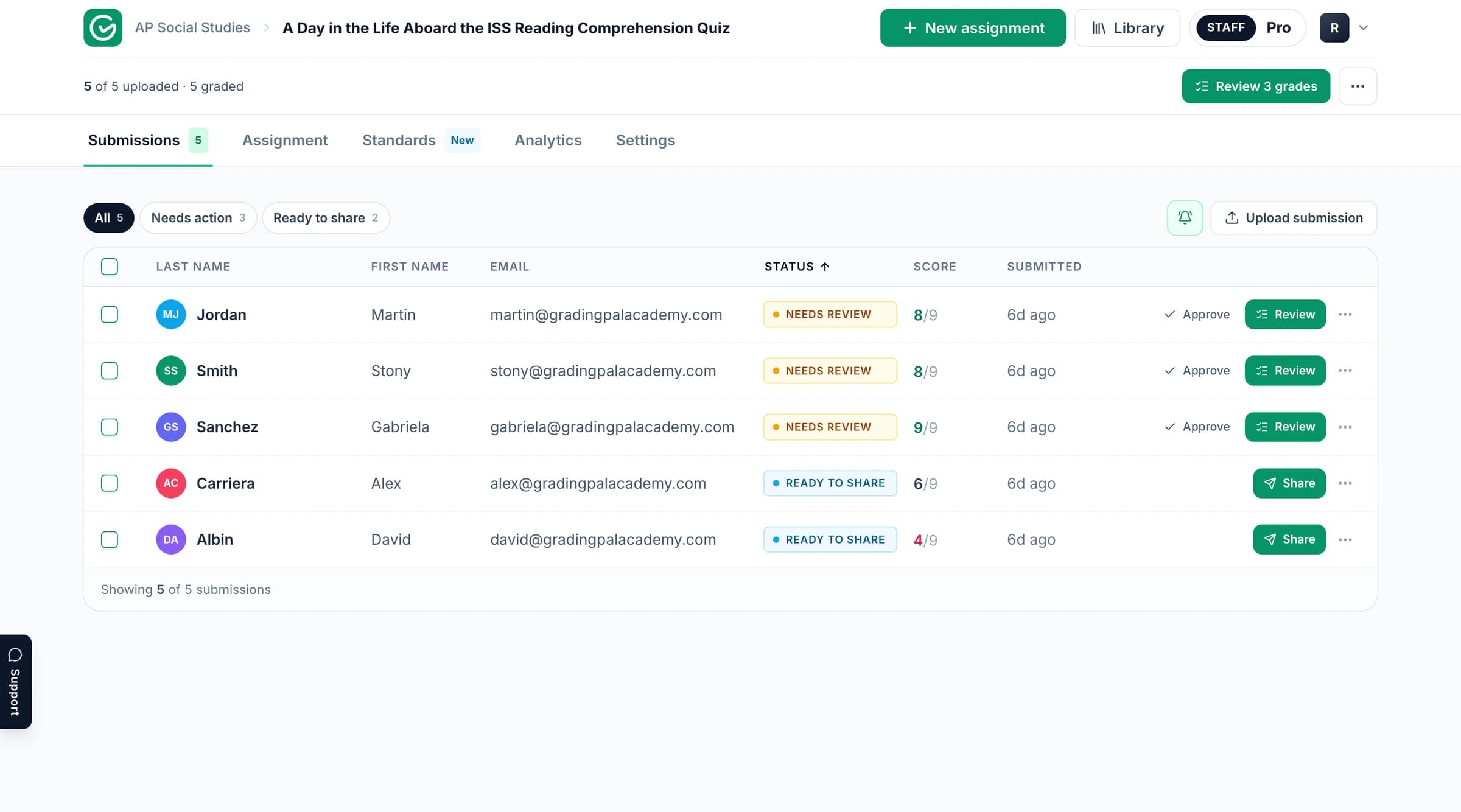
The GradingPal workspace. Product context; the published example and its media follow below.
Read the assignment and assessment example
Explore the original task and supporting material below. Follow the connection between the student’s response, the criteria being assessed, and the resulting assessment. The example provides its own context and evidence.
GradingPal is an AI grading assistant for teachers: upload student work and a rubric, and it drafts scores and specific, evidence-based feedback for you to review, edit, and release. In this use case, we'll follow an elementary Wax Museum project, the hand-built trifold kind, and watch one rubric grade the art and the history at the same time.
The problem
Project work is where research, writing, art, and presentation all land on one board, and that's exactly what makes it hard to grade. The neatest display can carry a factual error. The most carefully researched one can be crammed and hard to read. A teacher ends up holding two rubrics in their head at once, one for craft and one for content, and trying to keep both consistent across a whole class of very different boards.
And the part that quietly gets skipped is fact-checking. When a fourth grader's timeline says a figure died in 1918, almost no one cross-references it against the printed biography glued three inches away. There isn't time. So the boards that look finished get marked finished, and real inaccuracies slip through.
This is where GradingPal helps. One rubric grades the whole artifact, craft and content together, and every score comes with the evidence behind it, so the teacher can see exactly what was checked and why.
The assignment
The assignment: the Wax Museum Trifold project
Assignment as populated in GradingPal
The Wax Museum Trifold is a classic elementary project. Students research a historical figure, then build a colorful trifold display: the person's name in large letters and a hand-drawn portrait on the center panel, and biographical details across the sides, where they were born, what they achieved, why they still matter. It's worth 24 points and culminates in a live event where students present as their figure.
It's a genuinely hybrid task. Half of the grade is craft: whether the name reads from across the room, whether the board is neat, whether the pictures have real captions. The other half is history: whether the timeline is accurate, whether the childhood, education, and accomplishments sections have real detail, whether the writing holds up. Most projects are strong on one half and shaky on the other, and a student can't tell which half cost them points unless the feedback says so.
The rubric
The unified craft-and-content rubric inside GradingPal
Point-based rubric
The teacher applies one unified rubric with six criteria, each worth four points on a Needs Improvement to Excellent scale: the figure's name, the timeline of events, pictures with captions, the childhood/education/accomplishments sections, grammar and conventions, and neatness and presentation. Three of those are craft, three are content, and they live on a single rubric.
That's the whole point of the angle. A teacher doesn't need one rubric for the research and a separate one for the display; the same six criteria grade the board as the single, blended thing it actually is. And because the rubric is detailed enough on its own, no extra grading notes are required. GradingPal grades to your rubric, whether you upload it, build it in GradingPal, or draft it from the assignment and edit.
You can also set the tone of the feedback independently of the scoring: its style, length, and warmth. This project was graded with a balanced strengths-and-growth style, a concise length, and a rigorous warmth that pushes for excellence, so the comments stay warm about what worked and direct about what to fix, without changing a single thing on the rubric.
The graded submissions
Because the work is a physical object, the teacher uploads a photo of the trifold rather than a scan, and GradingPal reads the board, art, captions, timeline, and all, then scores each criterion.
The graded submission: photo of the trifold with rubric scores and evidence panels
AI-generated scores & feedback
Rubric-based scores
Detailed student feedback
Evidence-based rubric scoring
1 / 4
Each score arrives with its reasoning and an evidence panel the teacher can open to see exactly what supported it. On a Ruby Bridges board that scores 17 out of 24 overall, the name earns a 3 out of 4: present in large letters, but low-contrast light marker on dark paper, and, in a catch most quick reads would miss, the big header drops the final 's' in 'Bridges' even though it's spelled correctly on the smaller labels elsewhere on the same board. On a Jesse Owens board, the timeline stays at a 3 because two of the four entries are off, including Owens misidentified as a swimmer and one entry that just repeats his name instead of describing an event.
The capability that stands out most is fact-checking against the student's own sources. On one timeline, GradingPal counts five events, enough by quantity for the top score, but cross-references the dates against the printed biography the student glued to the board and finds two that don't match: a father's death listed as 1918 where the source says 1938, and a boxing match dated wrong against the bio. Because the rubric's top level requires every event accurate, it holds the score at a 3 and shows its work in Highlights and Corrections tabs, quoting the exact snippets it verified. That's the kind of check a human grader almost never has time to run by hand.
The written feedback lands the same way, specific and quotable. It praises the bold name and the hand-drawn boxing gloves as a strong focal point, then rewrites a weak caption from the student's own board, the phrase Joe louis's education boxing, working, and holding his title, into the fuller sentence it should be, points to the richer detail sitting unused in the student's own source, and catches that 'louis' needs a capital L. Nothing goes to the student until the teacher says so; every score and comment is editable.
Classwide analytics
Analytics: craft and content trends across the class
Class-wide performance overview
Strengths & Weaknesses
Scores table
1 / 3
Once the class set is graded, analytics show the pattern across the boards. Because craft and content are scored separately on the same rubric, the split is visible: a class might be excellent at neatness and visual design but consistently light on factual accuracy in the timelines. That's not a lesson on trifold construction, it's a mini-lesson on checking dates against your sources before the next project. Grading starts pointing at what to teach next.
The outcome
Here's what changes when a Wax Museum project runs through GradingPal:
The teacher grades the whole board, craft and content, from a single photo and a single rubric, with the fact-checking done for them, so every project gets the same careful read and the inaccuracies don't slip through.
The student gets feedback that treats the project as one thing: the name is bold and the art is strong, and the timeline has two dates to fix and this caption to turn into a full sentence. Praise and correction, both tied to the exact spot on their board.
And the class gets better instruction, because the analytics separate the craft trends from the content trends, and those point to different lessons.
That's the point of a project like this in the first place. We don't just want a colorful board. We want students to research a real person accurately, present them clearly, and take pride in how the work looks, all at once. GradingPal makes it practical to grade all three together, every time.
Review the scoring and feedback with your task in mind
Start with what the learner was asked to demonstrate. Check the submitted work alongside the rubric expectations and any scoring explanation included in the example. Consider whether the feedback identifies a specific strength or a next action the student can take.
When you grade your own work in GradingPal, review the proposed scores and supporting evidence before approving them. For a calculation, inspect methods and intermediate steps as well as the answer. For an explanation, examine the relationship between the claim, evidence, and reasoning. Your rubric determines what earns credit.
Take the assessment further in GradingPal
GradingPal combines rubric scoring with individual feedback, standards mastery, and classroom analytics. These are product capabilities to explore for your own teaching; the published example above demonstrates the material contained in its original record.
Shape the feedback students receive
Choose Targeted, Glow & Grow, Structured, Sandwich, Actionable, or Socratic feedback. Set detail, supported language, and instructions for your teaching voice, then review the comments before sharing. Explore student feedback.
Track progress beyond one assignment
Approved, aligned evidence can contribute to a standards mastery record across assessments. Inspect the original work, choose among five calculation methods, and use teacher adjustments with a reason. Explore standards mastery.
Plan the next teaching step
Classroom analytics surface strengths, weaknesses, and recommended instructional next steps. Use the evidence to consider targeted practice, small-group support, or a class explanation. Explore analytics.
Reuse criteria across your team
Copy and edit a starting point from the 500-rubric catalog, or bring your existing rubric. Shared assignment and rubric libraries on eligible plans help colleagues reuse assessment resources. Explore the rubric library.
Explore more assessment examples
Continue with related published examples below or browse the full collection. GradingPal supports writing, math, science, handwritten work, worksheets, exams, slides, and supported recordings; the grader pages explain the wider product range.
See how GradingPal prepares rubric scores, explains the credit with evidence, and writes individual feedback for review. Start with 50 submissions per month on the free plan and check pricing for feature and format access.