Print, share, or schedule student feedback
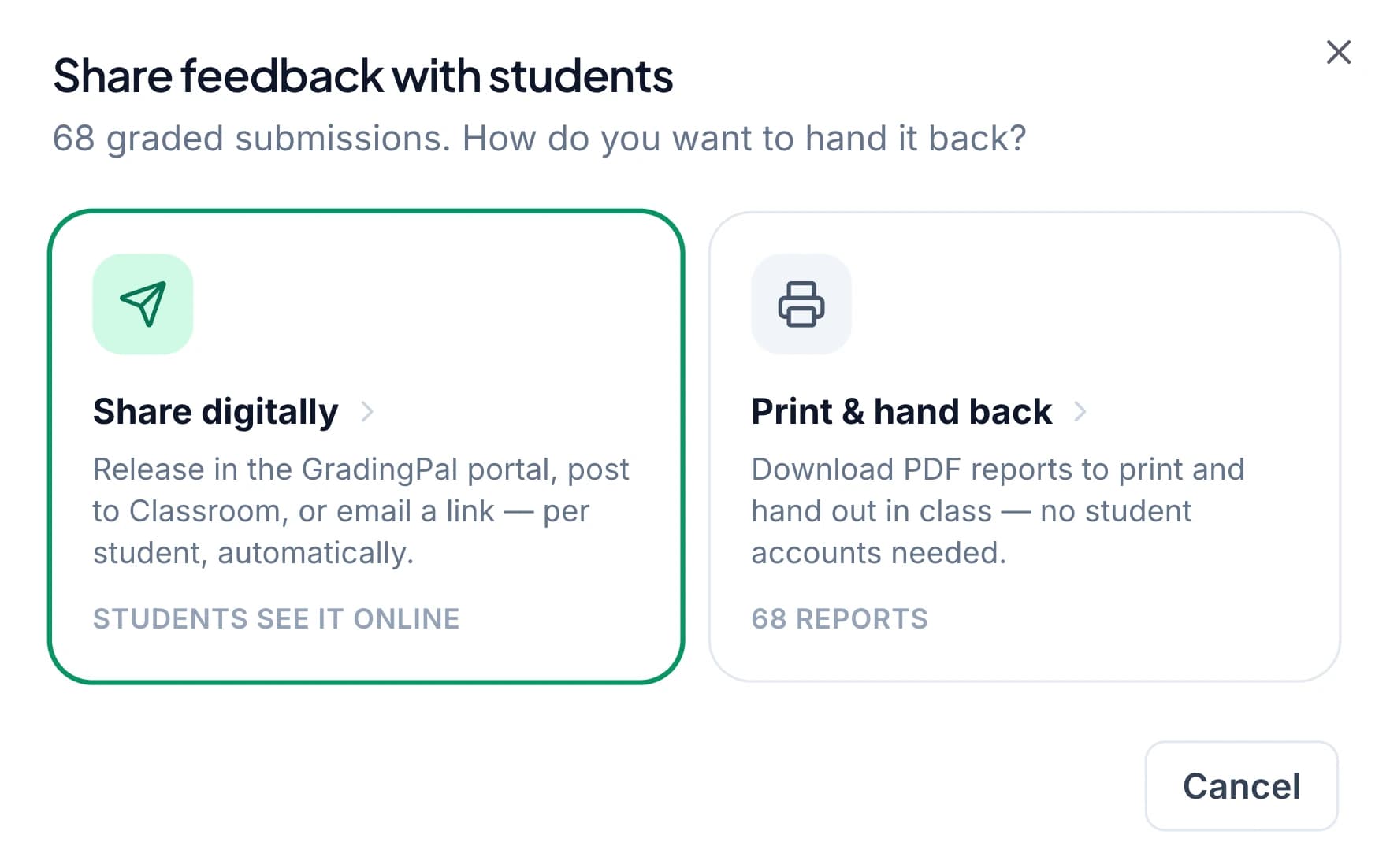
Return the scores and comments you approve through Google Classroom, email, or individual PDF reports. Choose whether students see a grade, check the recipients, and share at the moment that fits your lesson. Finish the assessment without copying every comment into another document.
50 free submissions per month, shared across assignment types.
Return feedback through the route your class uses
A useful comment needs a clear way back to the student. GradingPal brings the delivery options into the assessment workflow, so you can review the content and choose the right route after grading.
Share through Google Classroom
Return approved results through the connected Classroom workflow. Students receive feedback in the place they already use for the assignment, and you choose whether to include grades. See the integration.
Send feedback by email
Use the email sharing option when it suits your class. Check student details and recipient addresses before sending so individual feedback reaches the intended person.
Download printable student reports
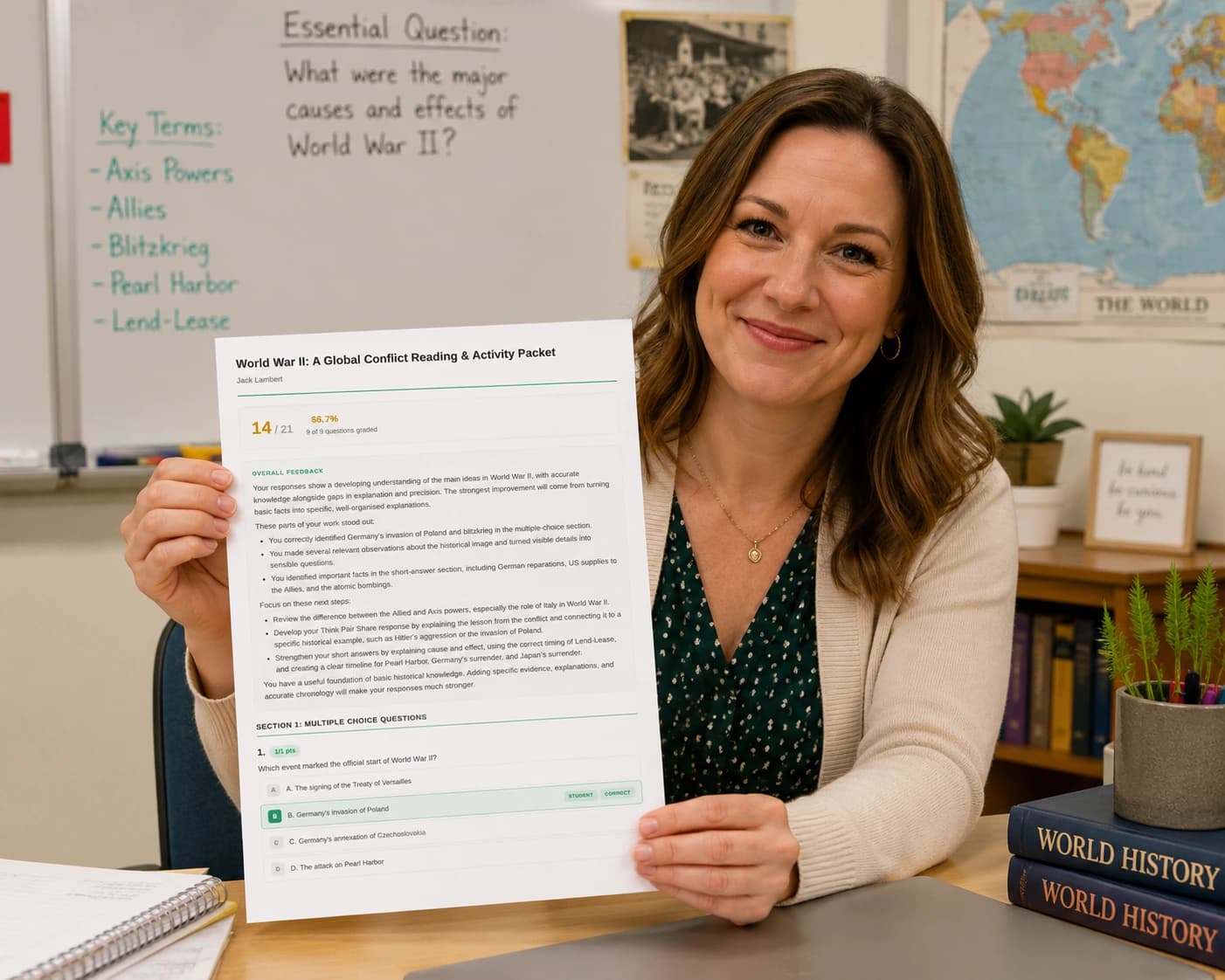
Create individual PDFs and download them together in a ZIP file. Print a class set or use one report in a conference. Students need no GradingPal account to read their printed feedback.
Choose feedback with or without a displayed grade
A first draft may need guidance that students use before thinking about a mark. A completed assessment may need the score and the explanation together. Choose what appears in the student-facing report for the purpose of that assignment.
Your private grading rationale remains separate from the guidance students receive. Preview the comments and score visibility so the report explains what the student should do next without exposing teacher-facing analysis you did not intend to share.
Schedule feedback for the lesson where students will use it
Share approved results when you are ready or schedule a later release. You might return comments before a revision lesson, after the class has finished an assessment, or at a time when you can explain the next task.
Review the results included, recipients, and release timing before confirming. Scheduling helps carry out your decision about when feedback should arrive; the teacher still decides which assessments are ready to release.

Keep handwritten assignments practical to return
Students can complete supported work on paper while teachers use GradingPal to assess the scans. After review, download the individual reports and return them alongside the original work. The paper submission and the detailed feedback can stay together in the student's folder.
Use this with handwritten math, worksheets, or scanned assessments. A student can compare a comment to the calculation, underline the part to revise, and complete the correction on paper. Digital grading does not require a second digital submission routine for every classroom.
Prepare a class set without assembling every report manually
Download the reports together and distribute each student-specific file through the appropriate route. Before handing back work, check the student names and the report content so the right feedback stays with the right submission.
A missing email address does not have to leave a student out of the return process. Add the correct details through the supported workflow or use another route, such as a printed report. GradingPal organizes the options while you decide the appropriate delivery for the student.
Turn returned feedback into a revision task
Choose one action students will take after reading the report. Ask them to add evidence, explain a calculation, or revise a conclusion, then compare the updated response with the relevant criterion.
For example, a science student might use the comment to identify two results that support a conclusion and explain the relationship. A writing student might revise the sentence linking a quotation to an argument. These are illustrative classroom activities; the report supplies individual guidance, and you choose how students apply it.
Use the right report for a student or family conversation
Read a comment alongside the original work during a conference and agree on a manageable next step. If a family needs a report, export the appropriate student information and share it through your school's usual process.
For progress across several assessments, use the standards mastery gradebook and its reporting options. An assignment feedback report explains one piece of work; a standards report helps discuss the evidence over time.
Fit feedback delivery into your school's workflow
Google Classroom is available now. Canvas and Schoology are available on the school plan; discuss the platform setup and the workflow your school needs. Keep the chosen sharing method consistent with your school's access and student-data practices.
Compare plans for feature access, or talk to the school team about adoption. Use GradingPal's security information when evaluating the student information involved in your assessment process.
Questions about sharing student feedback
Can I send comments without a grade?
Yes. Choose feedback without the displayed grade when you want students to focus on revision. Preview what students will receive before release.
Do students need accounts to read a printed report?
No. Download and print the individual PDFs for students to read on paper. The printed route works alongside their original handwritten assignment.
Can I share reports with families?
Yes. Export an appropriate report and send it through your school's usual process. Family distribution is a teacher-directed action, not an automatic parent messaging service.
Does scheduling replace reviewing the work?
No. Schedule results you have reviewed and intend to release. Check the included assessments and recipients before confirming the sharing time.
Can I print the whole class's feedback?
Yes. Download the individual student PDFs together in a ZIP file, then print or distribute the reports. Check student names as part of handing back the class set.
What if a student has no email address listed?
Add the appropriate address through the supported workflow or select another return route, such as printing. Review recipient details before sending any student-specific feedback.
Is the teacher-facing scoring explanation shared too?
Teacher-facing rationale is separate from student-facing comments. Preview the sharing content and score visibility so students receive the guidance you intend.
Give feedback a clear place in the next lesson
Choose the report, recipient, and timing, then return the assessment with a specific next action for the student.