GradingPal 2.0 is here — see everything that's new

How GradingPal works in a real class set

Feature walkthroughs, product updates and the workflows teachers use each week. Every post here is about GradingPal itself, so the topic archives can stay neutral.

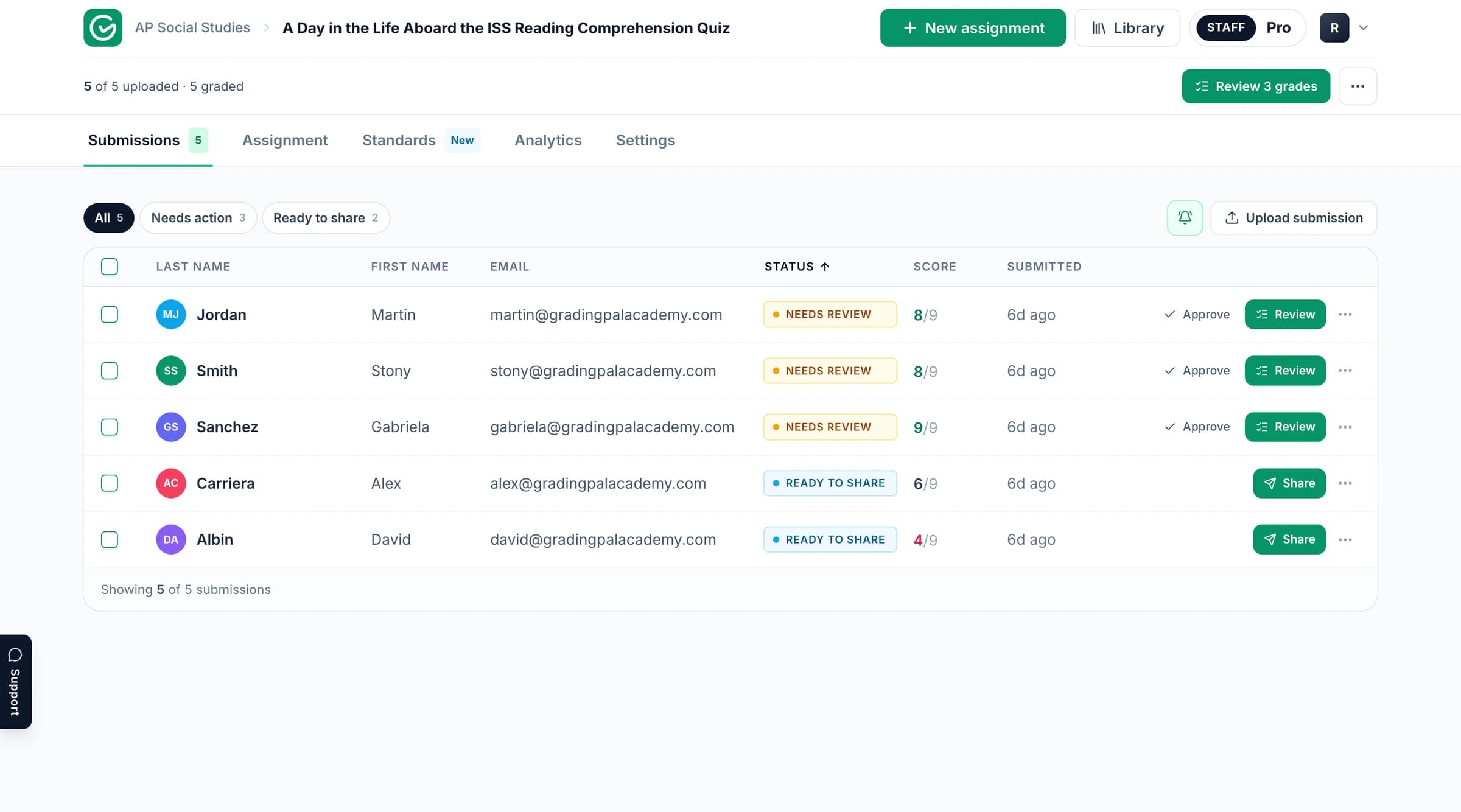
The GradingPal workspace for grading and feedback.

What to expect from these posts

Each post shows one part of the product on real student work, with the review step included.

Suggested scores, not final grades

GradingPal grades against your rubric one criterion at a time and quotes the evidence behind every judgement. Nothing reaches a student until you review and approve it. The walkthroughs show that review step, not just the result.

The current product, not the roadmap

Posts describe features as they ship today. Where a post predates GradingPal 2.0 it carries an Updated date and links to the feature page that holds the current details.

Honest limits

GradingPal does not detect AI writing or plagiarism, and it does not release anything automatically. Where a workflow depends on your judgement, the post says so.

Explore the article collection

Read the walkthroughs below. Each one is tied to the feature page that carries the current details.

Start with what GradingPal does

The short tour of the grading workflow and where it saves repeated work.

How AI grading can reduce teacher burnout

8 Ways GradingPal Saves Teachers Hours Each Week

K-12 teachers in the USA work an average of 53 hours per week, with grading consuming up to 9.9 hours - more than a full workday - according to a 2025 Learnosity survey. From math worksheets to essays, this repetitive task fuels burnout rates as high as 44% among educators. Gallup's 2025 poll found teachers who use AI tools weekly save about 5.9 hours a week; GradingPal puts that time back by drafting scores and feedback you review and approve.

· 8 mins

Read the article →

Feature walkthroughs

How feedback styles, analytics, handwritten grading and the Google Classroom integration work in practice.

GradingPal Analytics - turn every score into clear teaching action

GradingPal Analytics: How Real Teachers Turn Scores into Precise, Data-Driven Instruction

GradingPal Analytics: How Real Teachers Turn Scores into Precise, Data-Driven Instruction - See how GradingPal’s 5-tab Analytics dashboard diagnosed sourcing gaps in a real Vietnam War DBQ (77.8% mean) and labeling misconceptions in a Cardiovascular test - then generated ready-to-use small groups and AI prompts. Full walkthrough with screenshots and teacher insights.

· 17 mins

Read the article →
How GradingPal Grades Handwritten Math and Science Worksheets

How GradingPal Grades Handwritten Math and Science Worksheets

Discover how GradingPal's handwriting recognition accurately grades handwritten math worksheets and science diagrams in K-12 classrooms. Get suggested scores with quoted evidence, customizable rubrics aligned to Common Core and NGSS, feedback you review and approve, and class analytics. Get started for free.

· 8 mins

Read the article →

Security and student data

How student work is protected, and the certifications behind it.

Start with the feature pages

The feature pages hold the current details for every part of GradingPal; the posts here show them in use.

Try GradingPal with a familiar assignment

Bring a class set you have already graded and compare. Start with 50 submissions per month on the free plan; pricing explains feature and format access.